LakeInsight Cloud
Run LakeInsight on your own Kubernetes cluster
LakeInsight Cloud is the cloud management and delivery platform for LakeInsight. Connect your own Kubernetes cluster to create, deploy, manage, and meter LakeInsight instances, running LakeInsight flexibly on your cloud or on-premises.
How it works
A few simple steps to deploy and use LakeInsight
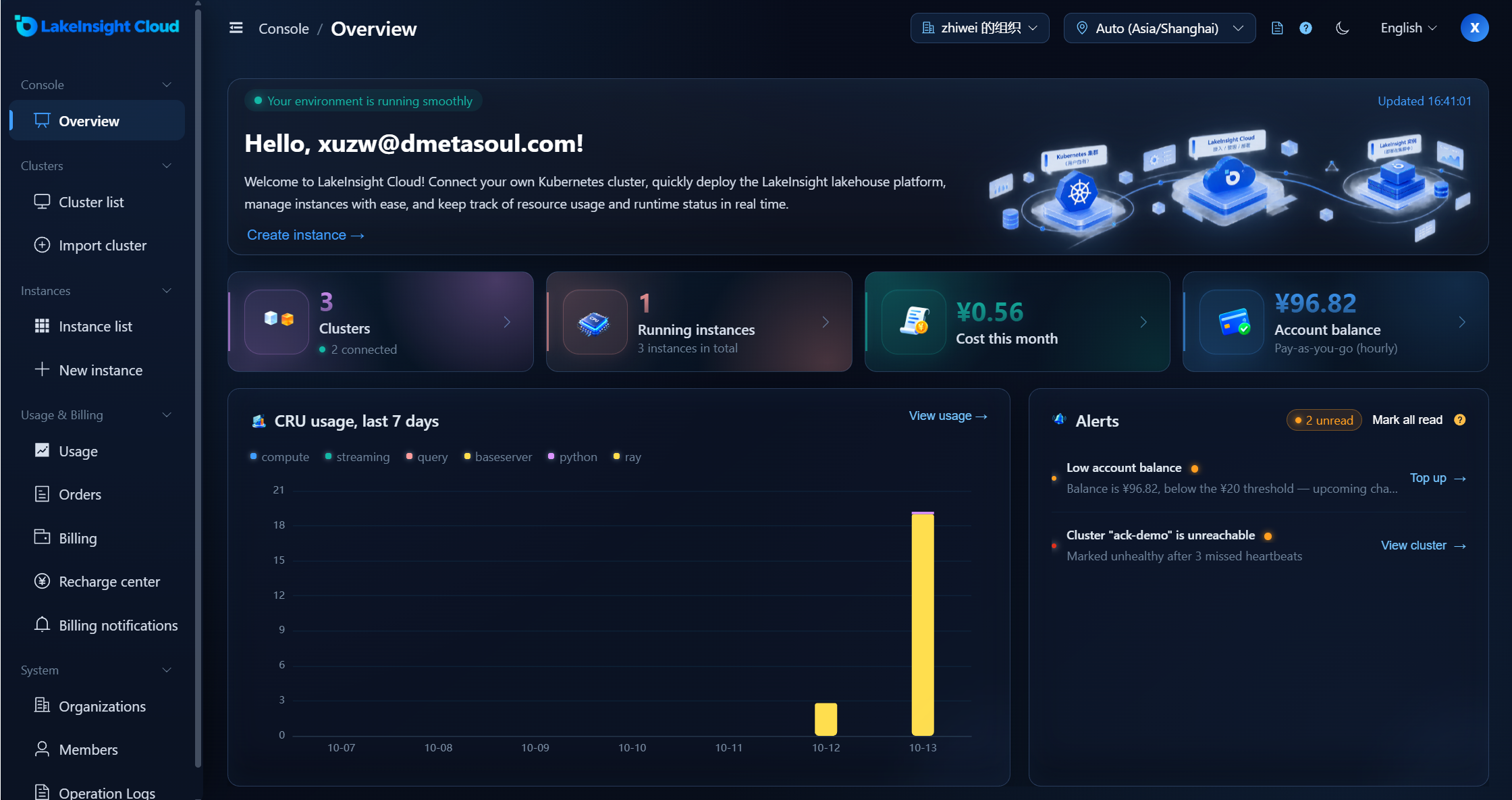
Register, log in, and enter the console
After registration the system creates your user and a default organization; the console overview shows clusters, instances, usage, and fees at a glance.
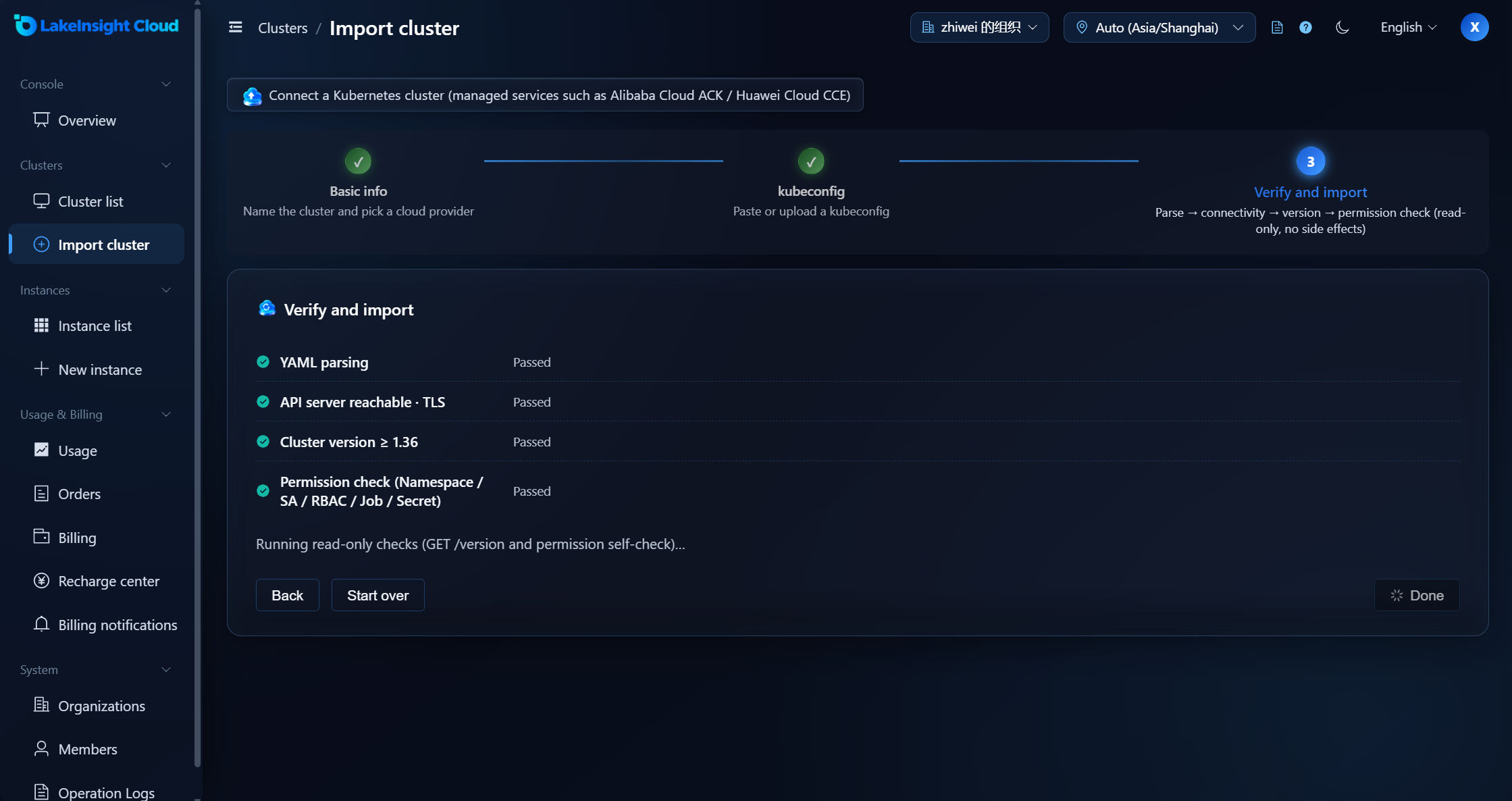
Connect and verify a Kubernetes cluster
Import an existing Kubernetes cluster. The platform verifies the kubeconfig, connectivity, version, and permissions, and adapts to the target environment.
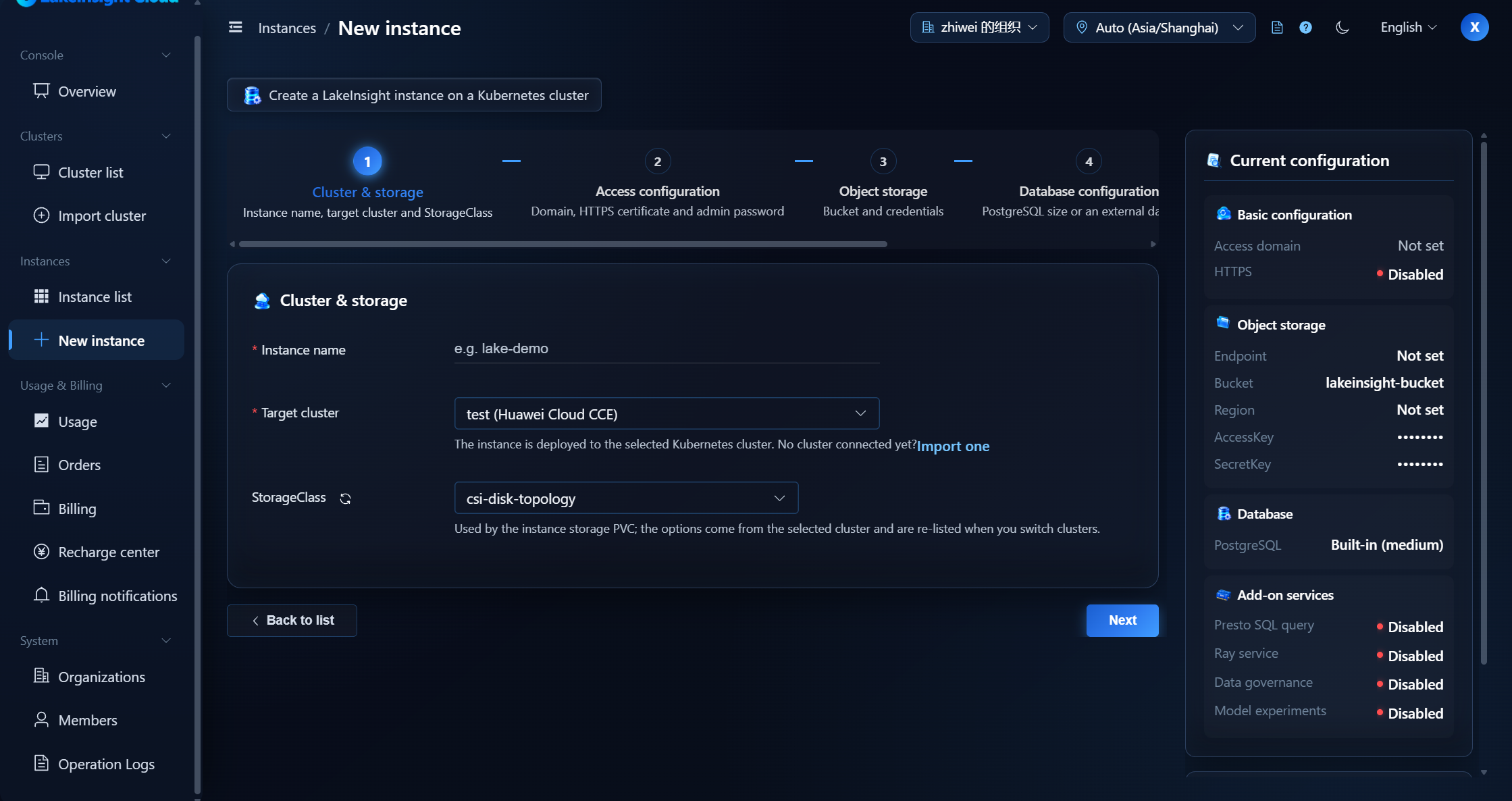
Configure the instance and deploy automatically
Choose the instance specification, storage, and components, and the platform deploys the LakeInsight instance automatically.
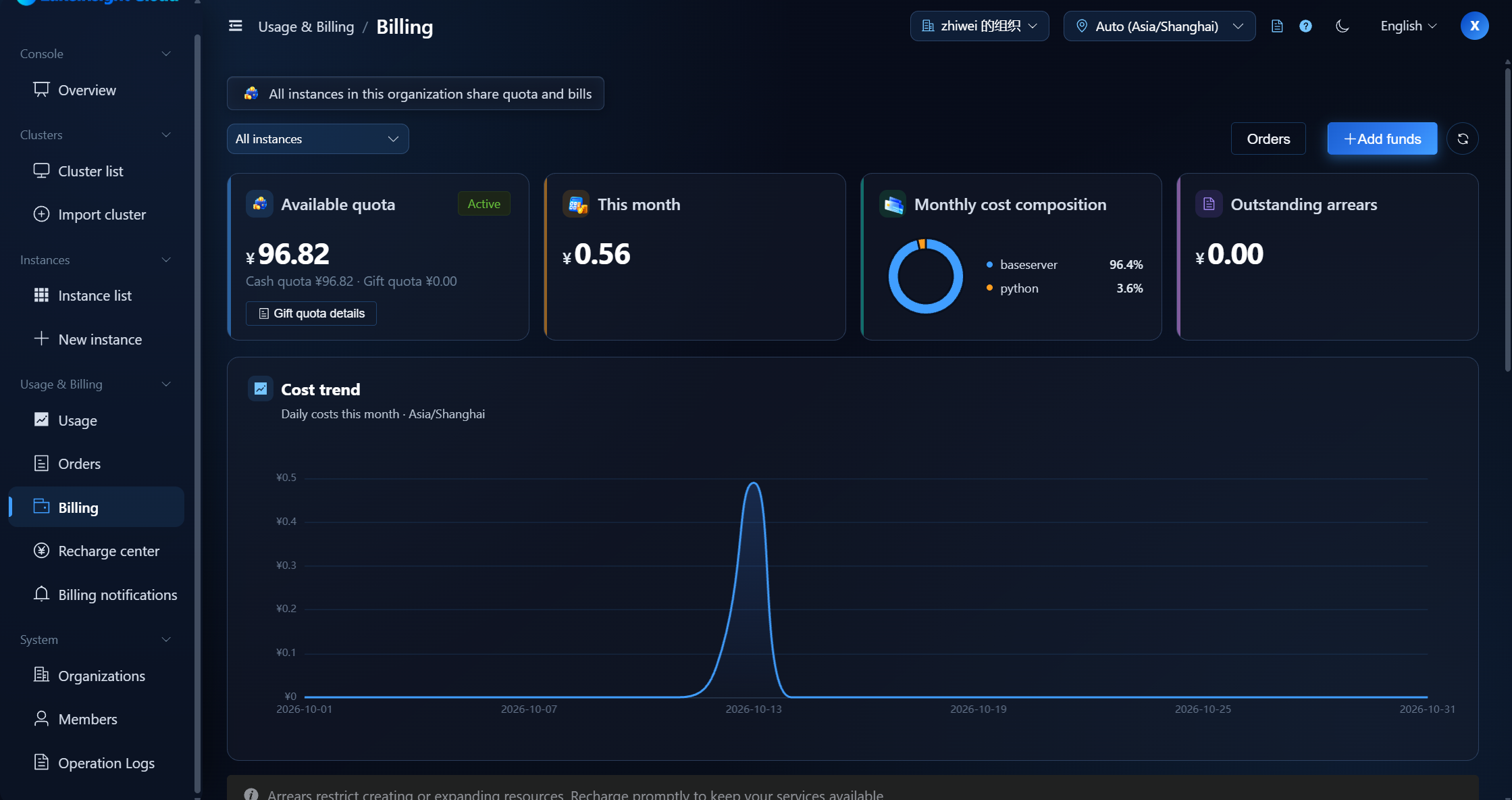
Use it with pay-as-you-go billing
Billed by actual usage. The platform tracks instance resource usage and deducts the corresponding fees from your account balance.
Before you start
A quick look at what to prepare before you connect, so onboarding goes smoothly
Cluster preparation
Prepare a Kubernetes cluster and make sure the control plane can directly reach its Kubernetes API Server. The platform connects via kubeconfig and does not provision clusters. The cluster must meet the platform's onboarding requirements (version, nodes, public API Server access, Ingress, etc.); the import wizard verifies this automatically.
kubeconfig requirements
The kubeconfig must be self-contained and point to an https API Server (using inline -data fields). The platform does not execute commands declared in it, and does not support exec / auth-provider plugins, local file references, or proxies.
Instance setup & usage
Currently each cluster supports only one instance. Creating an instance requires an S3-compatible object store (OSS / S3 / MinIO) and its access keys (AK/SK). An instance can be accessed through its endpoint only while it is Running (see the instance details; a custom domain and HTTPS are recommended). Stopping (uninstalling) releases the instance namespace and loses the LakeSoul metadata; deletion cannot be undone.
Pricing
Pay as you go — you only pay for what you use
Fee = CRU × runtime (hours) × CRU unit price × job coefficient
- CRU
- A computing unit that takes the larger of CPU cores and memory demand: CRU = max(CPU cores, memory GiB / 4); CRU × runtime (hours) is the cumulative usage, CRUh.
- Job type
- Different job types use different coefficients:baseserver ×0.5compute ×1.0query ×1.1streaming ×1.2python ×1.5ray ×1.5
Example
2 CPU + 6 GiB · streaming · 30 minutes
CRU = max(2, 6/4) = 2
Cumulative usage CRUh = 2 × 30/60 = 1
Fee = 1 × 0.05 × 1.2 = ¥0.06
Key points
- Settlement: billed hourly; amounts are rounded to the nearest cent.
- Deduction: consumption deducts the available balance first (cash + gift quota); any shortfall becomes arrears. A recharge settles arrears first.
- Overdue: an insufficient balance starts a 7-day grace period; after it ends instances are suspended, and recharging restores them.
Cost calculator
- CRU = max(2, 6/4)0.00
- Cumulative usage (CRUh) = CRU × 30/600.000
- Job type coefficient× 1.2
Unit price ¥0.05 / CRU / hour; amounts are rounded to the nearest cent.