Data Source Management
Click the Data Source item in the left sidebar to view the list of data sources created under the current workspace.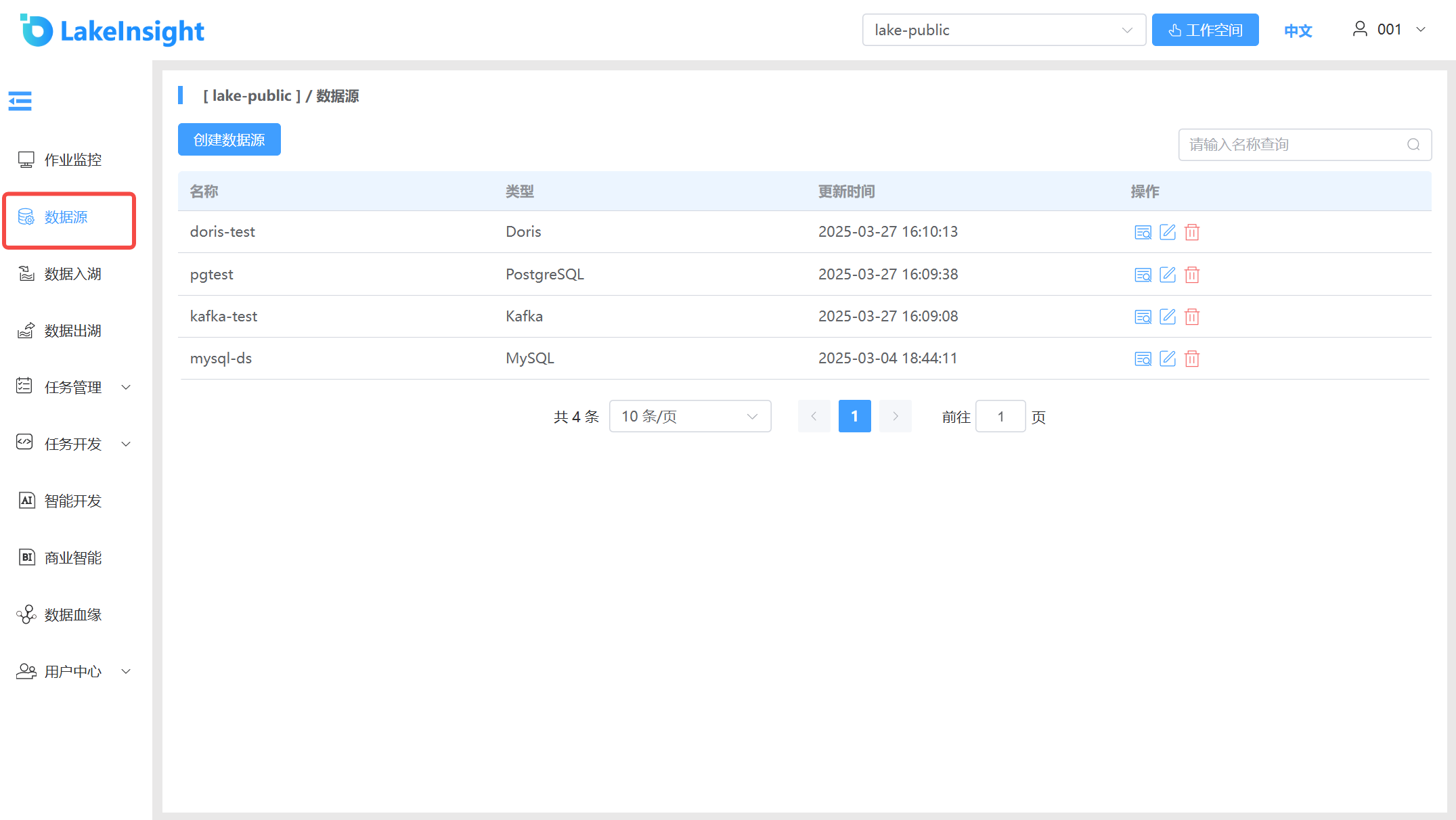
Create Data Source 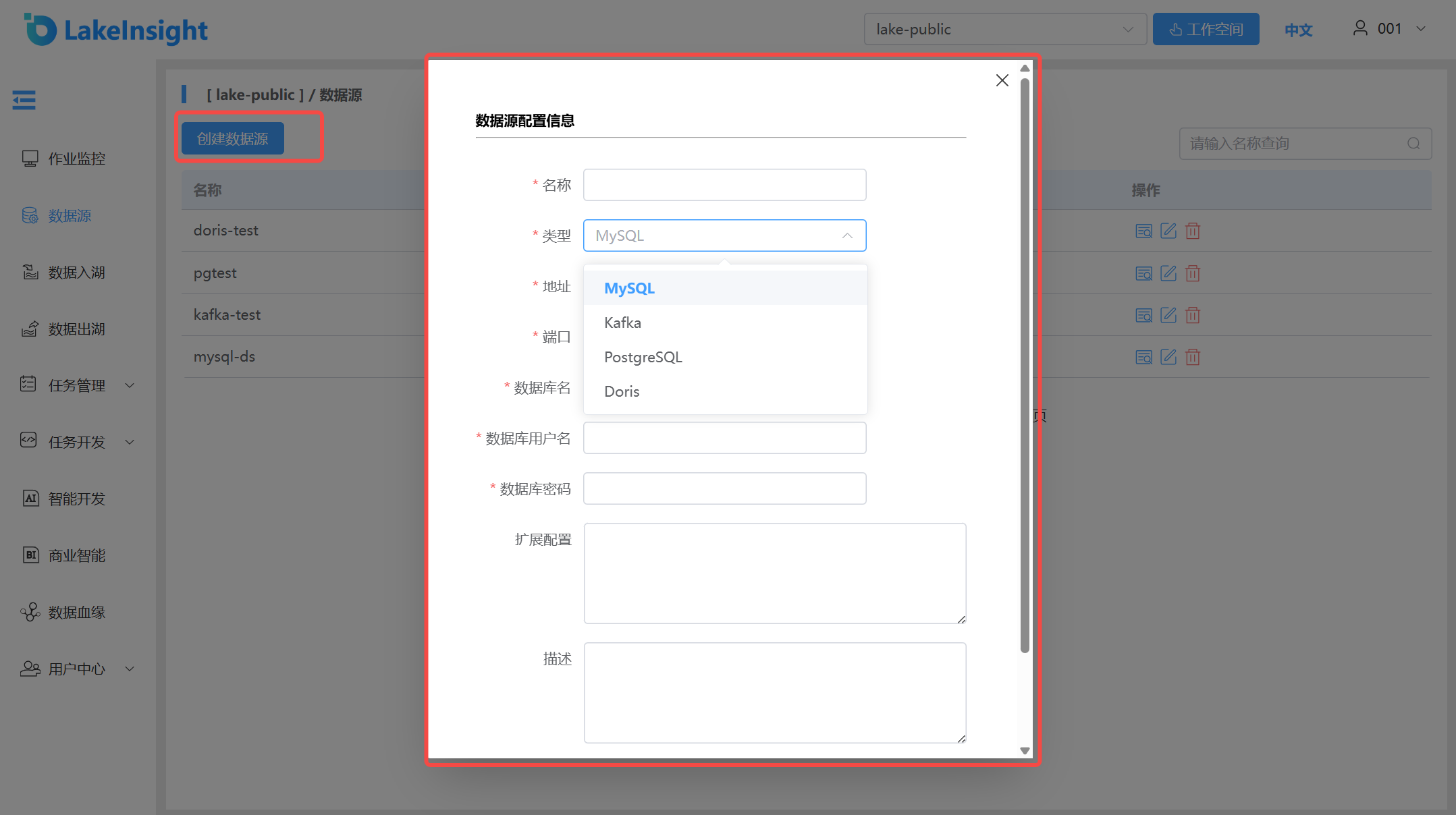
Click the Create Data Source button to add a new data source. Enter the name, select the data source type, and provide the database address, port, database name, username, and password. Click Create to add a new data source.
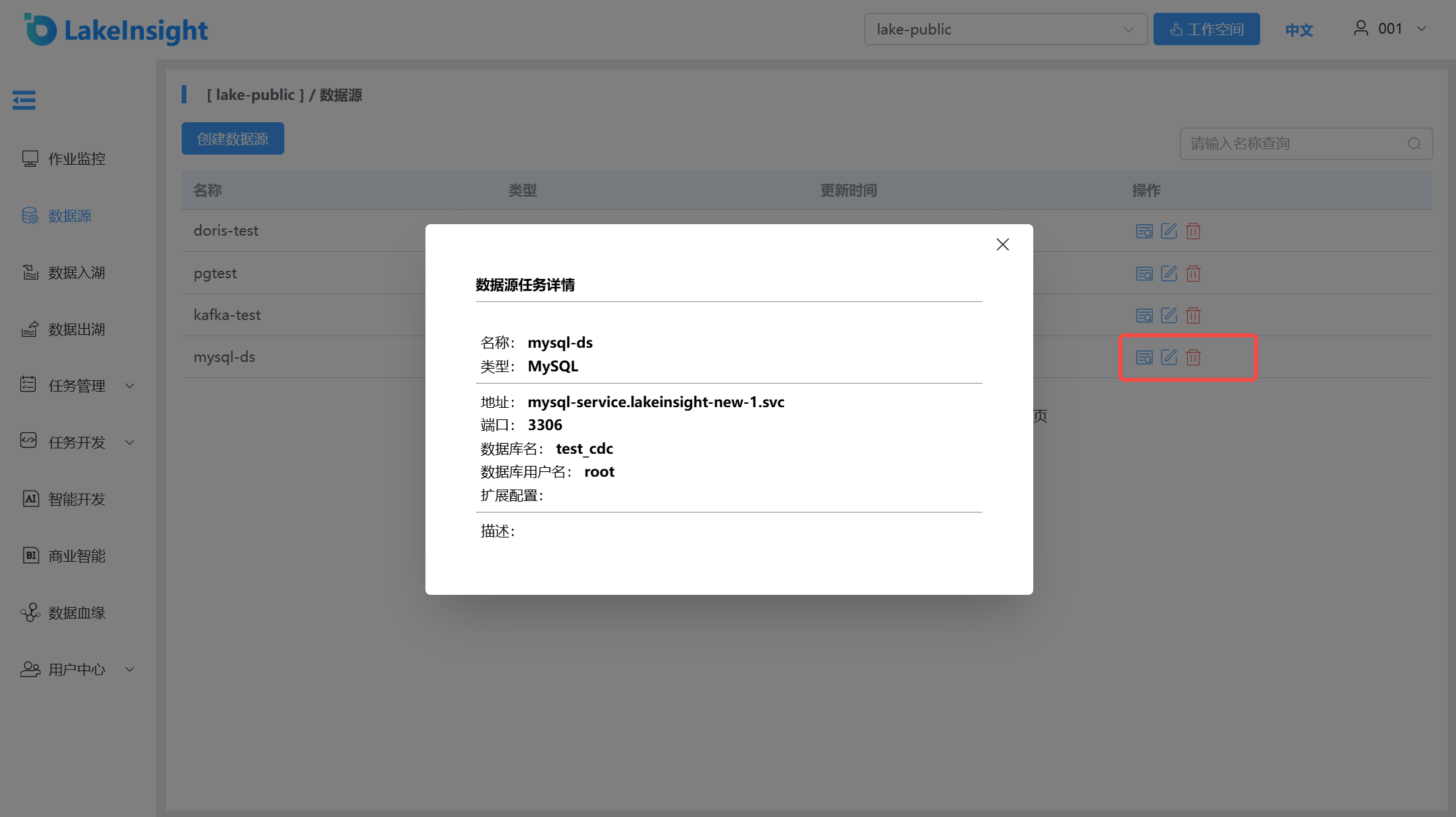
View Details, Edit, Delete
Each data source in the list includes View Details, Edit, and Delete buttons on the right side. Use them as needed.