Package Management
Package Management is primarily used to manage Flink/Spark UDF Jar packages, Flink/Spark App Jar packages, and PySpark runtime dependency files.
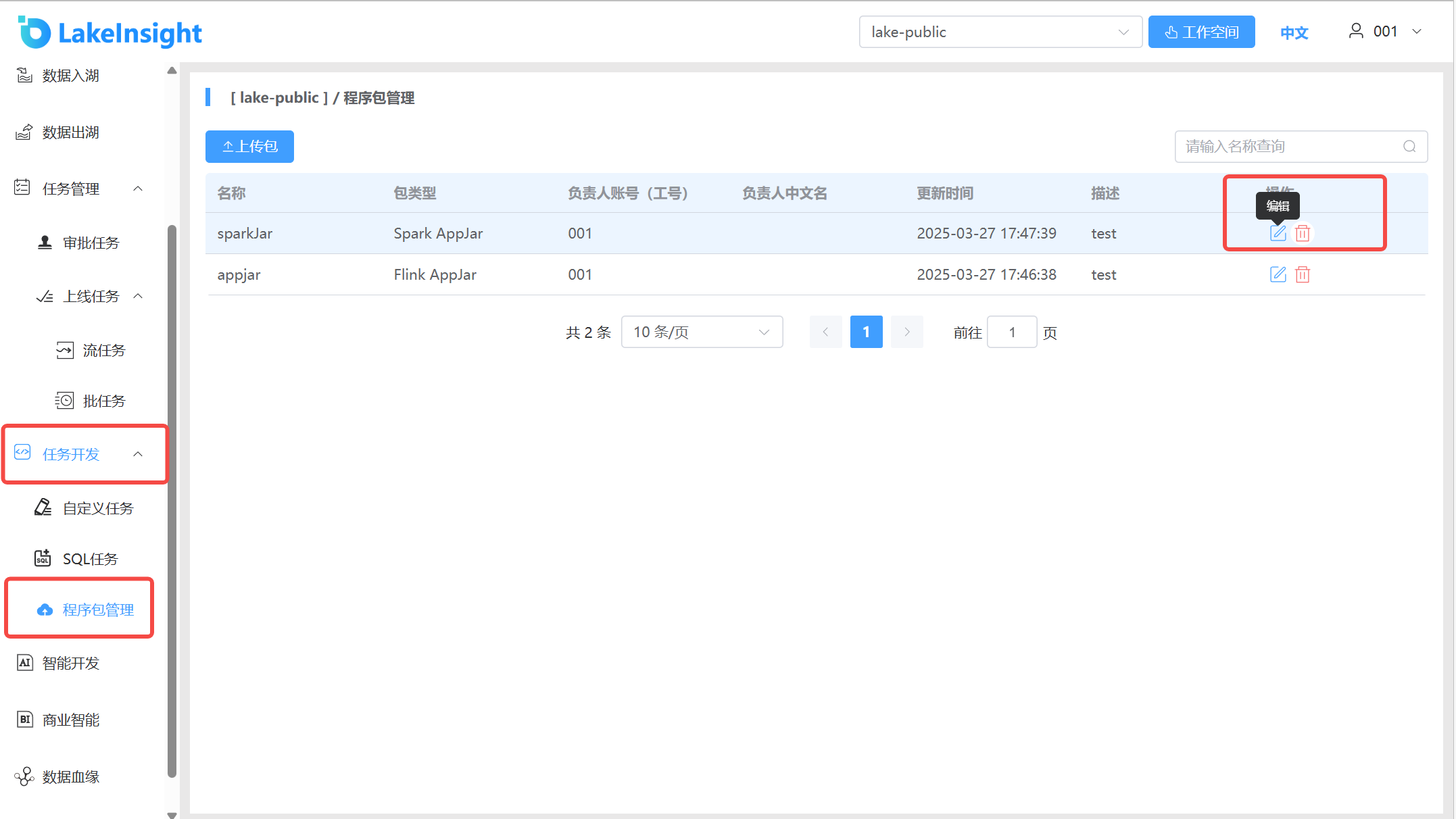
- Click Task Development > Package Management in the left navigation to enter the package management page, where you can see the packages under the current workspace, including package types and descriptions. You can also delete and update packages.
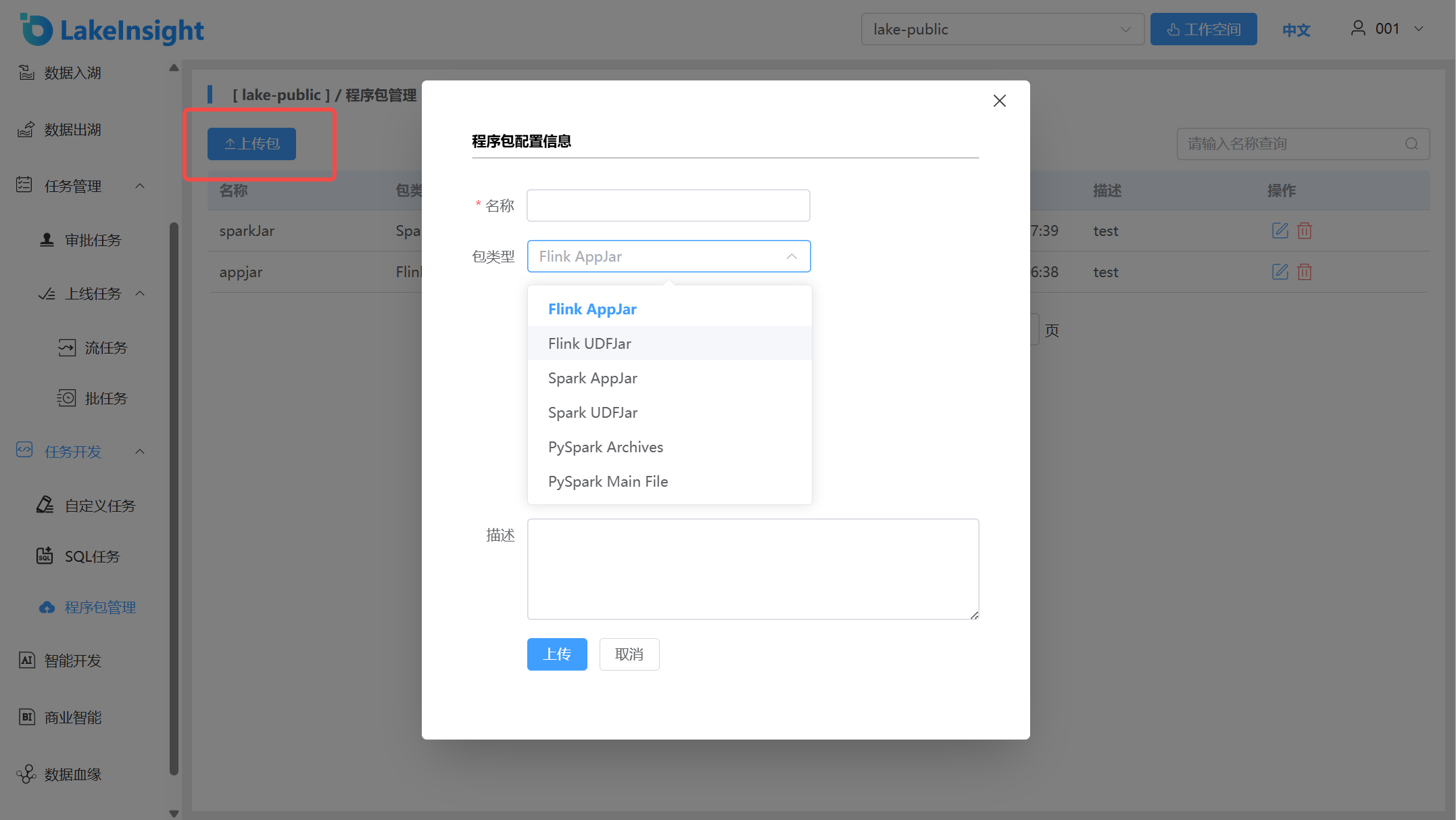
- Click the Upload Package button to open the upload interface. Set the package name, package type, the package file to upload, and a description. Click Upload to upload the package to the platform.