Registration & Login
LakeInsight Cloud provides an independent platform-level account system. After registering and logging in, you can enter the console to manage Kubernetes clusters, LakeInsight instances, and the related usage and fees.
The platform account of LakeInsight Cloud and the user accounts inside LakeInsight instances are independent and do not affect each other.
Register & Log In
To use LakeInsight Cloud for the first time, register an account first.
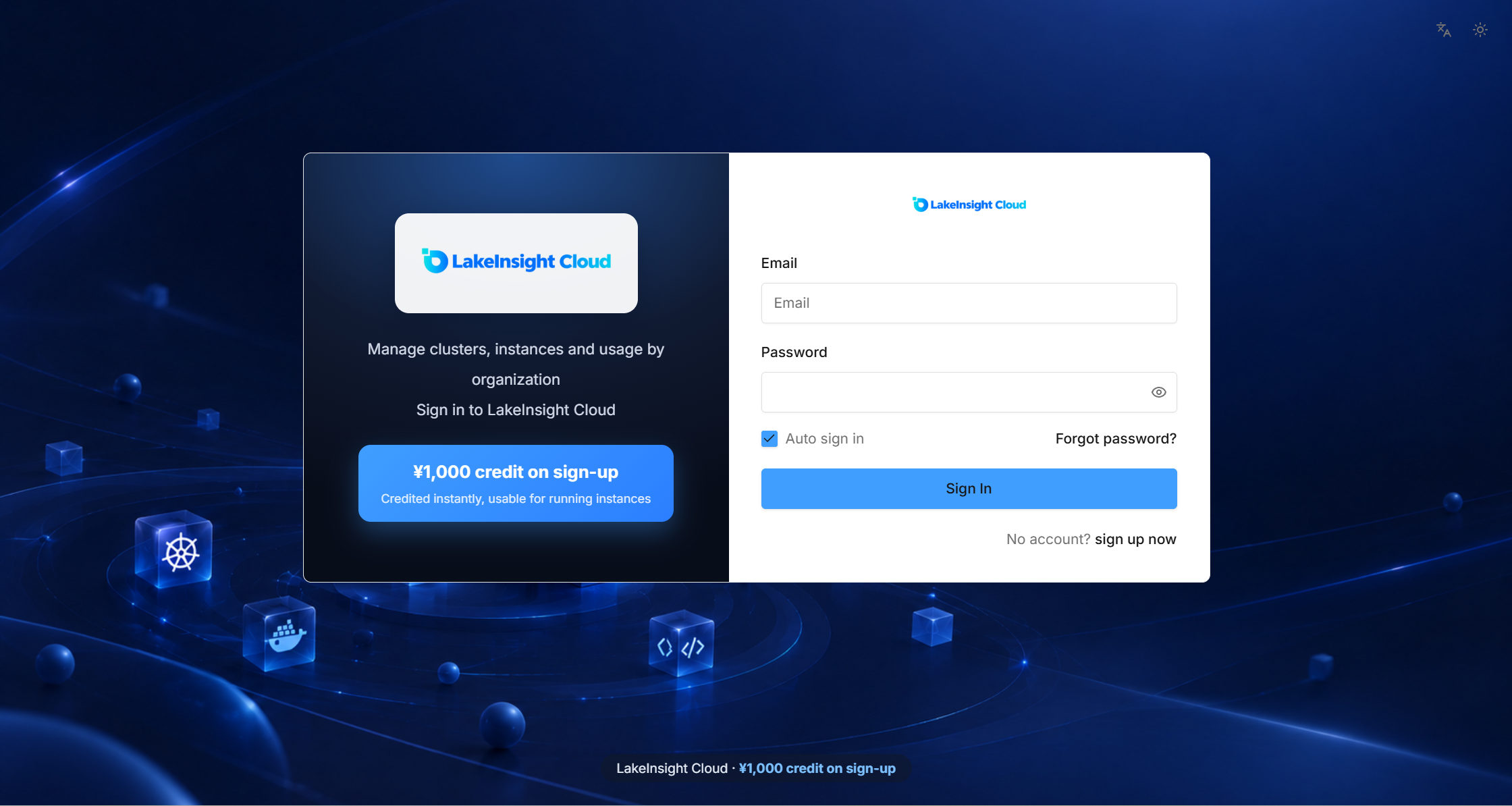
- Open the LakeInsight Cloud console and click Register a new account.
- Fill in information such as username and password to complete registration.
- After successful registration, you can enter the console, and the system automatically creates a default organization.
Default Organization
On first login, the platform automatically creates a default organization named 「<username> 的组织」— for example, admin → 「admin 的组织」. You become the administrator of this organization.
The relationship between the organization and resources is: Organization → Cluster → Instance. Clusters you connect later and instances you create belong to the corresponding organization; the organization also serves as the billing unit for managing the account balance and fees together.
Trial Balance
The first time you register, the platform grants the organization a ¥1,000 trial balance to pay for the fees generated by instances under the organization. For details, see Billing Center.
Organizations & Members
Creating, switching, renaming, and deleting organizations, as well as inviting members and assigning roles, are all done under System Management; see System Management for details.
Next Steps
After registering and logging in, you can start connecting a Kubernetes cluster.