Members
Go to System Management → Members to manage the members and roles of the current organization.
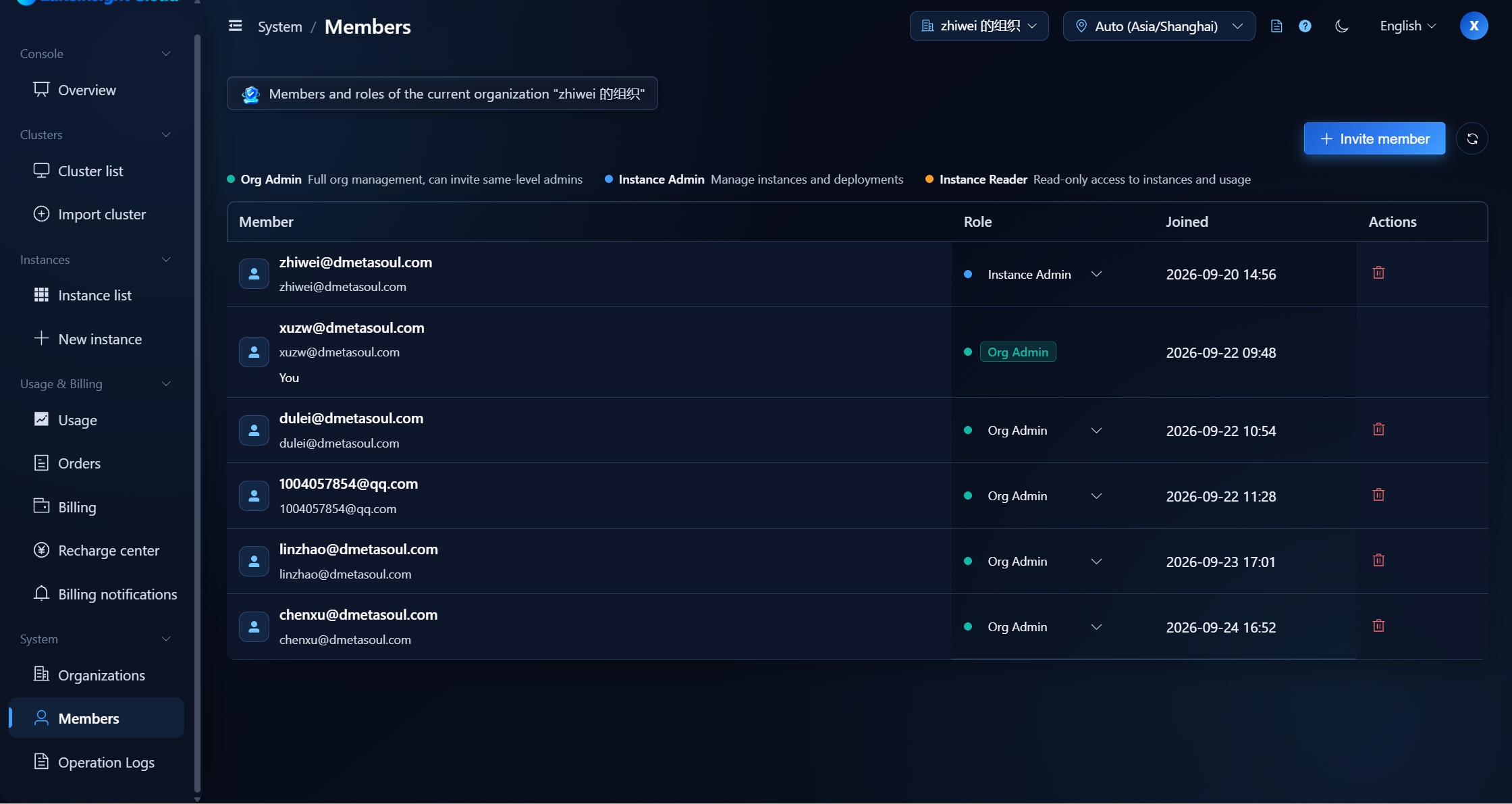
Inviting Members
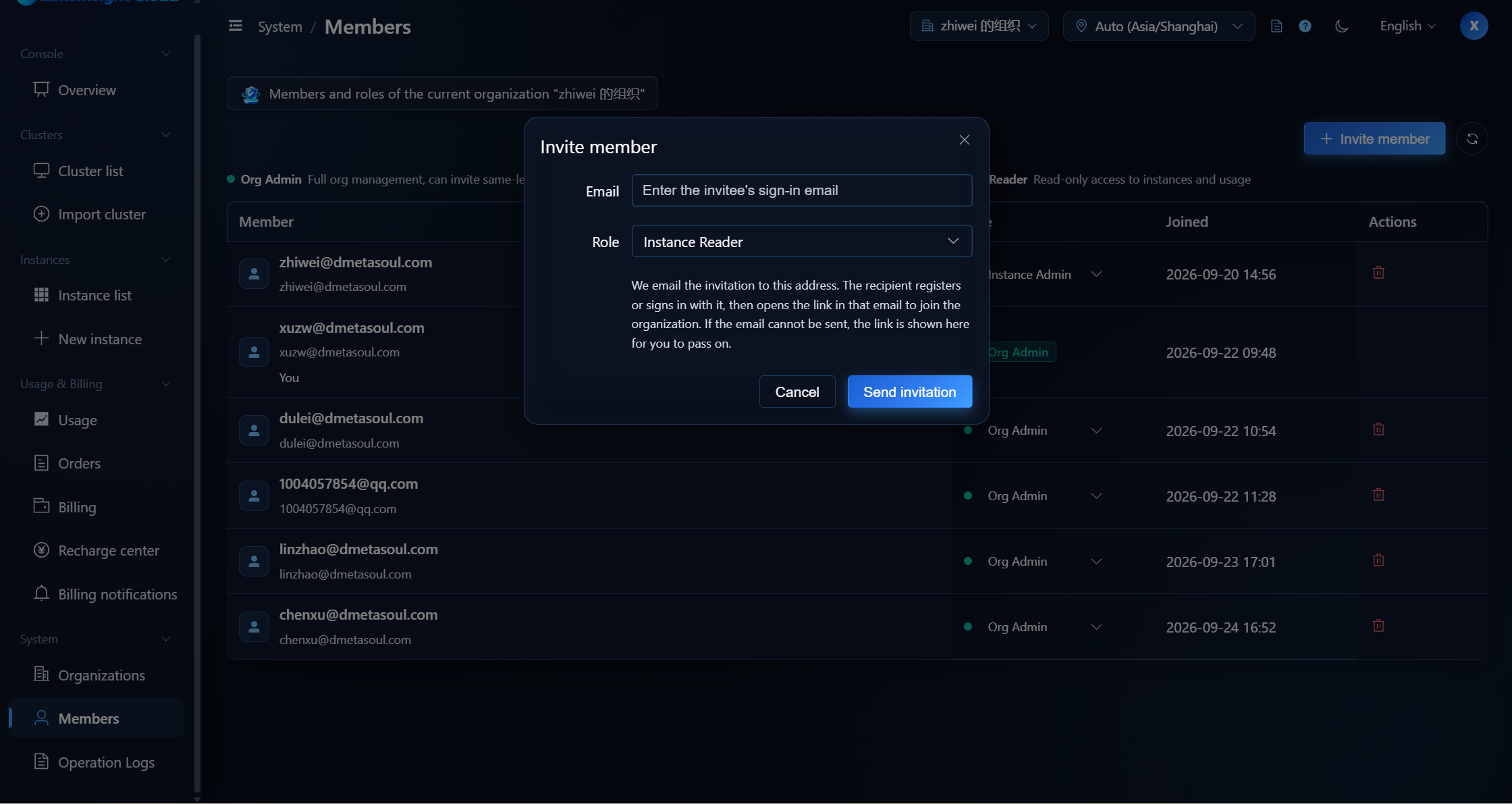
- Click Invite member.
- Enter the invitee's sign-in email and select a role.
- Click Send invitation: the platform emails the invitation; the recipient registers or signs in with that email, then opens the link in the email to join the organization.
- If the email cannot be sent, the page falls back to an invitation link that you can pass on yourself. The link expires in 7 days.
Roles and Permissions
The platform provides the following organization roles (lowest to highest):
| Role | Description |
|---|---|
| Instance Reader | Read-only access to instances and usage |
| Instance Admin | Manage instances and deployments |
| Org Admin | Full organization management, can invite same-level admins |
- Only an Org Admin can change member roles, and only to a role not higher than their own; they also cannot change or remove themselves.
- The roles you can invite are likewise no higher than your own; the Instance Reader role cannot invite members.
note
The recipient must sign in with the invited email to accept. The link is valid for 7 days.
Next Steps
To view key platform operation records, see Operation Logs.