Data Source Management
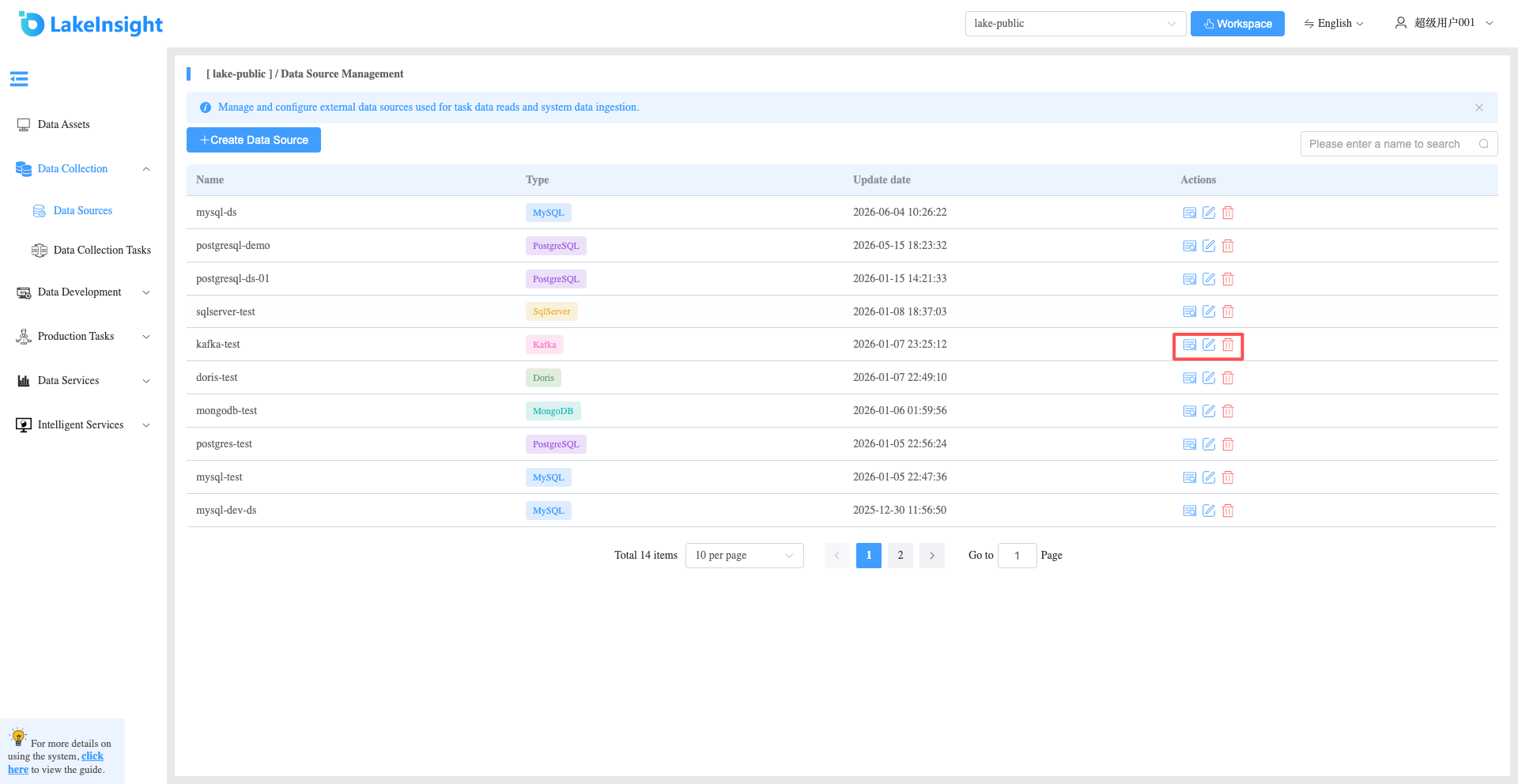
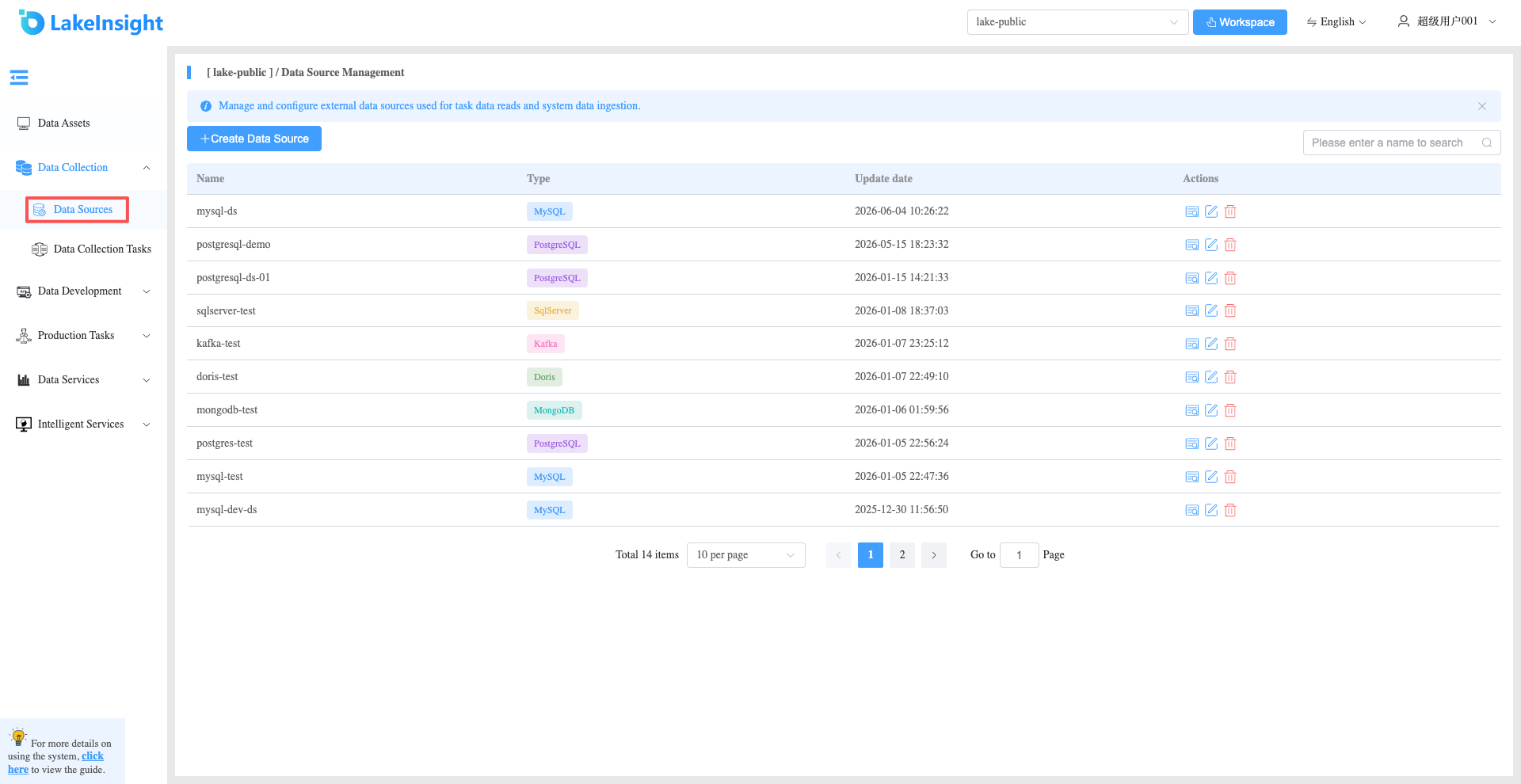
Click Data Collection > Data Source Management in the left sidebar to view the list of data sources created under the current workspace.
Create Data Source
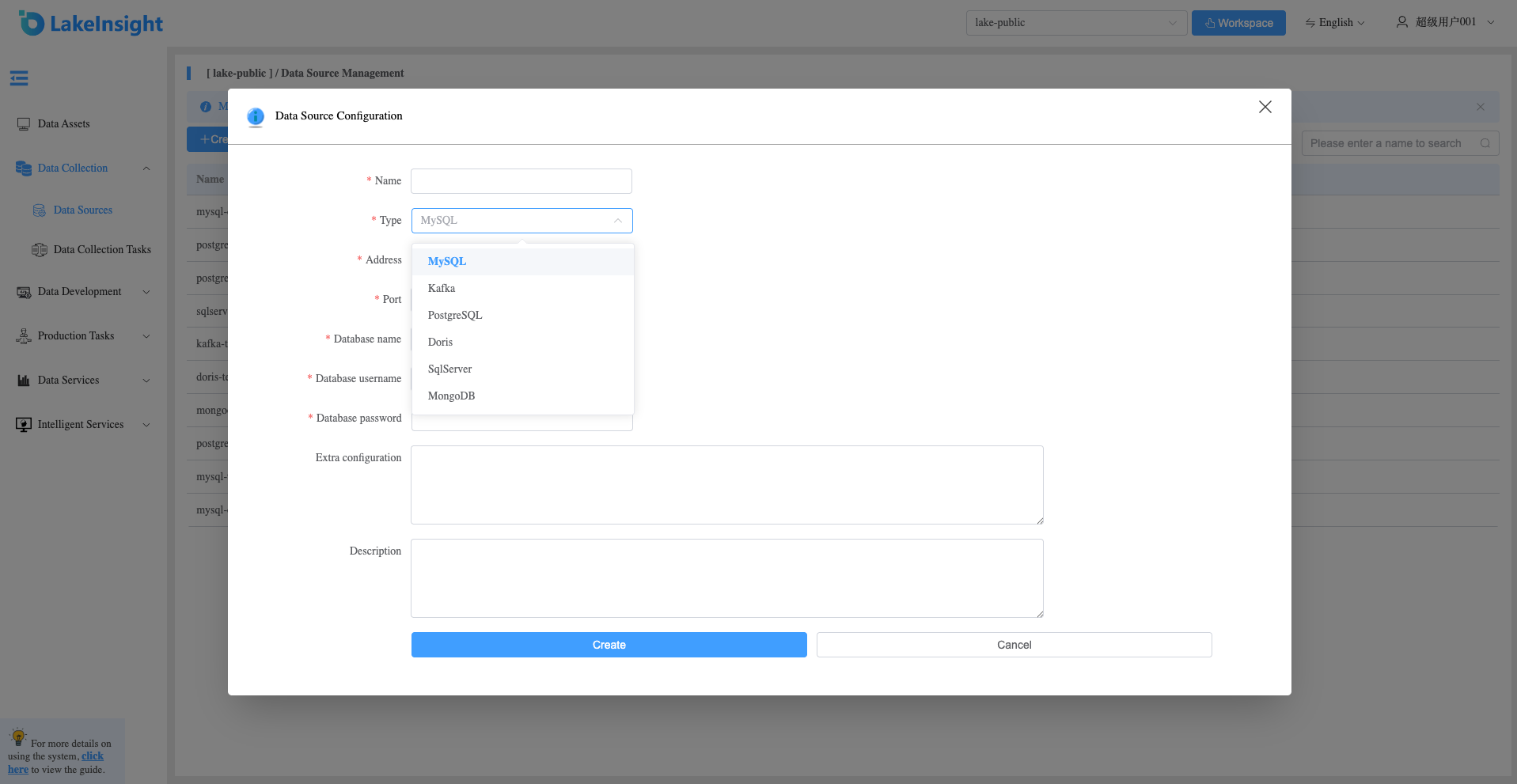
Click the Create Data Source button to add a new data source. Enter the name, select the data source type, and provide the database address, port, database name, username, and password. Click Create to add a new data source.
View Details, Edit, Delete
Each data source in the list includes View Details, Edit, and Delete buttons on the right side. Use them as needed.