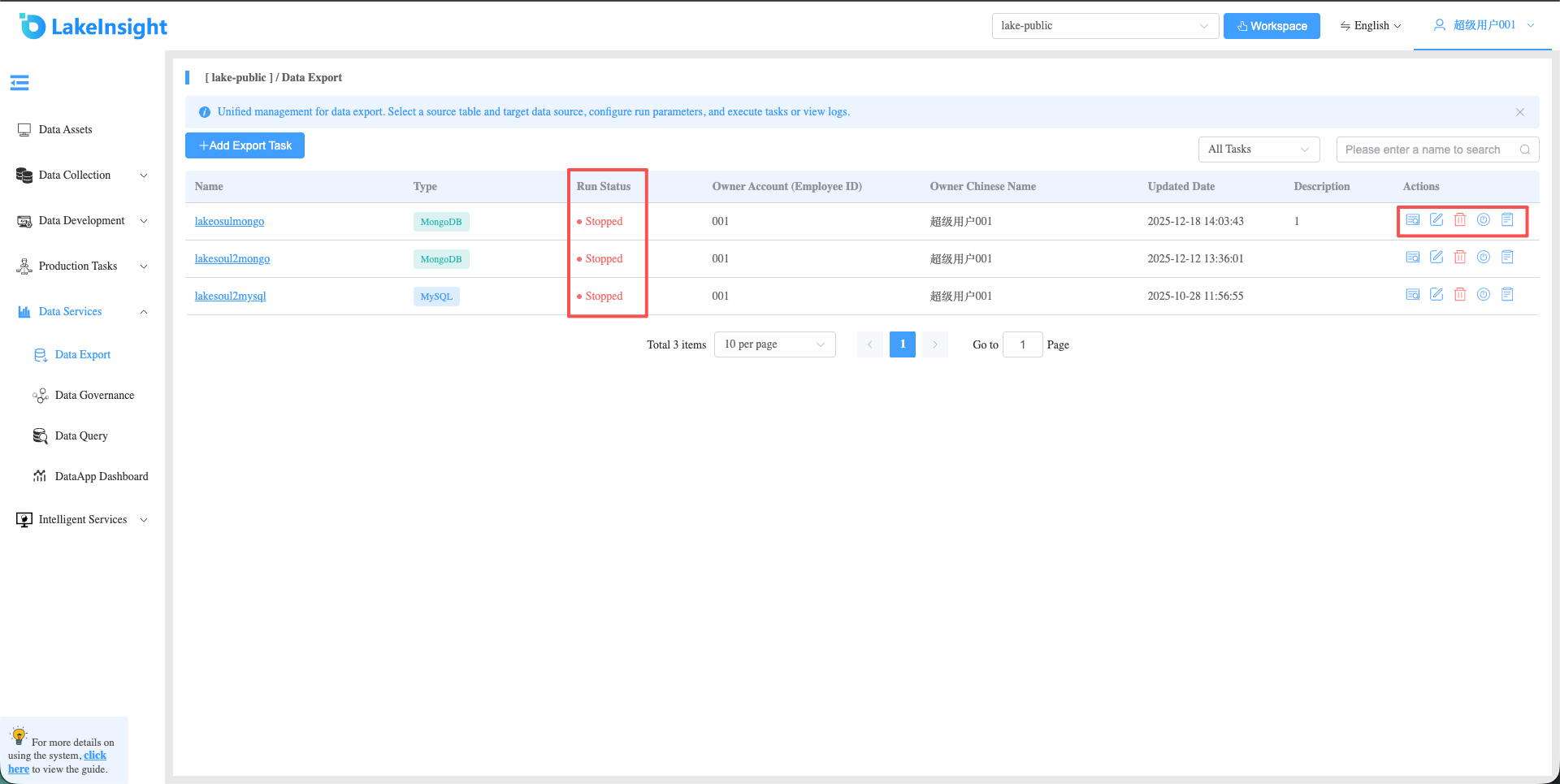
Data Export
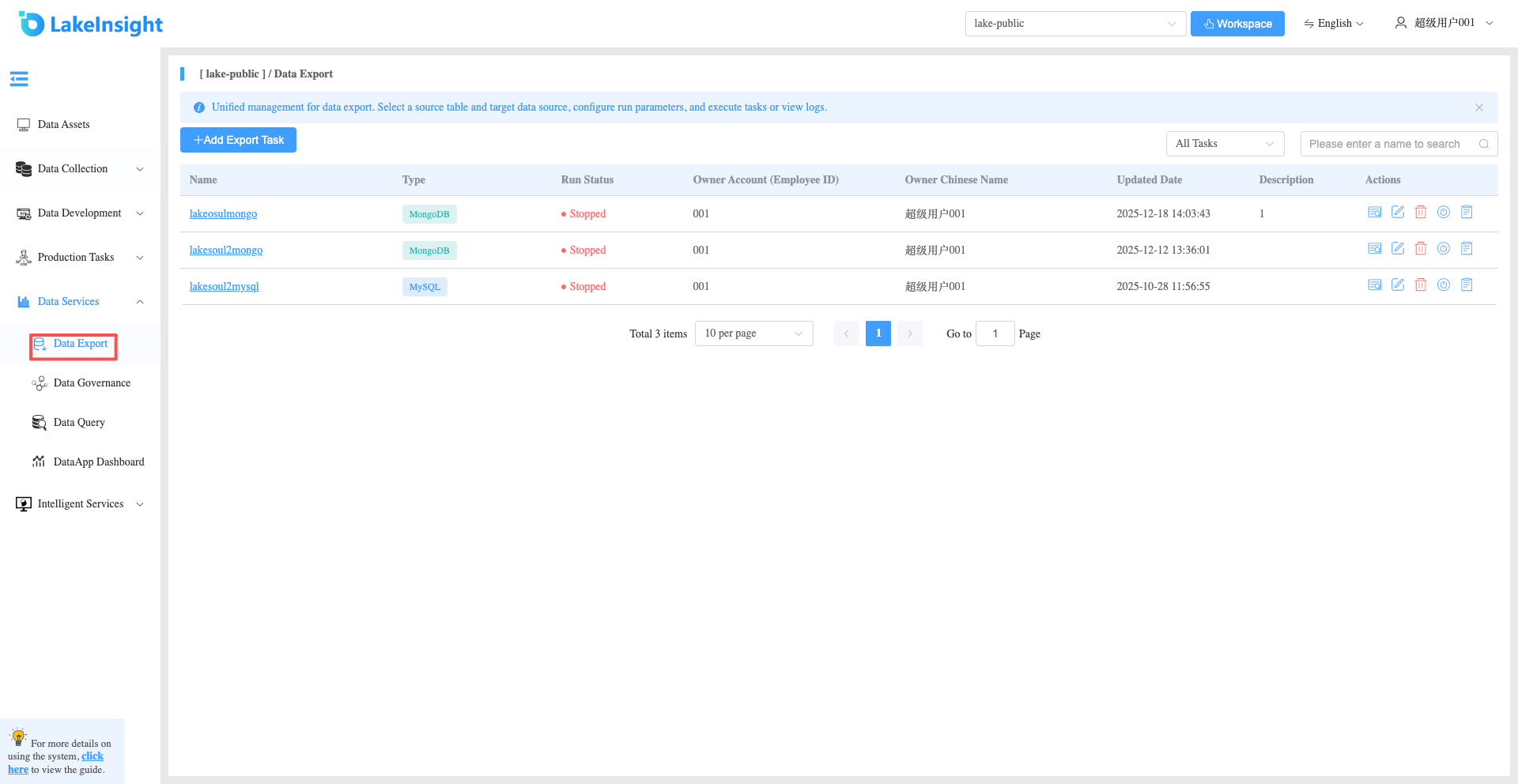
Click Data Services > Data Export in the left sidebar to view the list of data export tasks created under the current workspace.
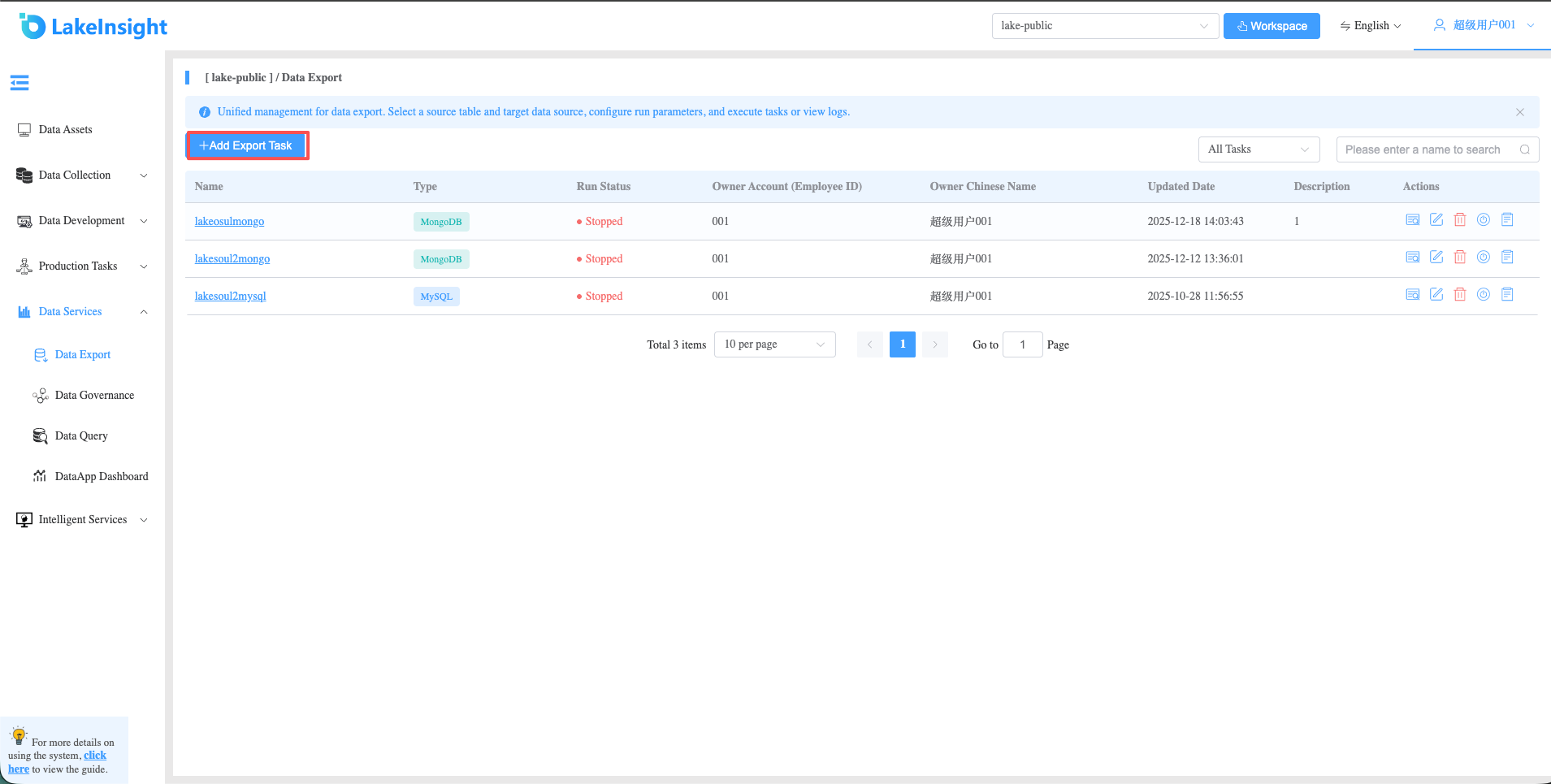
Create Data Export Task
Click the Add Data Export Task button to open the data export task page. Fill in the required fields and click Create to generate a new data export task.
View Details, Edit, Delete, Start/Stop, View Logs
Each data export task in the list includes View Details, Edit, Delete, Start/Stop, and View Logs buttons on the right side. Use them as needed.