Package Management
Package Management is primarily used to manage Flink/Spark UDF Jar packages, Flink/Spark App Jar packages, PySpark runtime dependency files, and Ray Working Directory packages (type 7). Ray Working Directory packages only support .zip files.
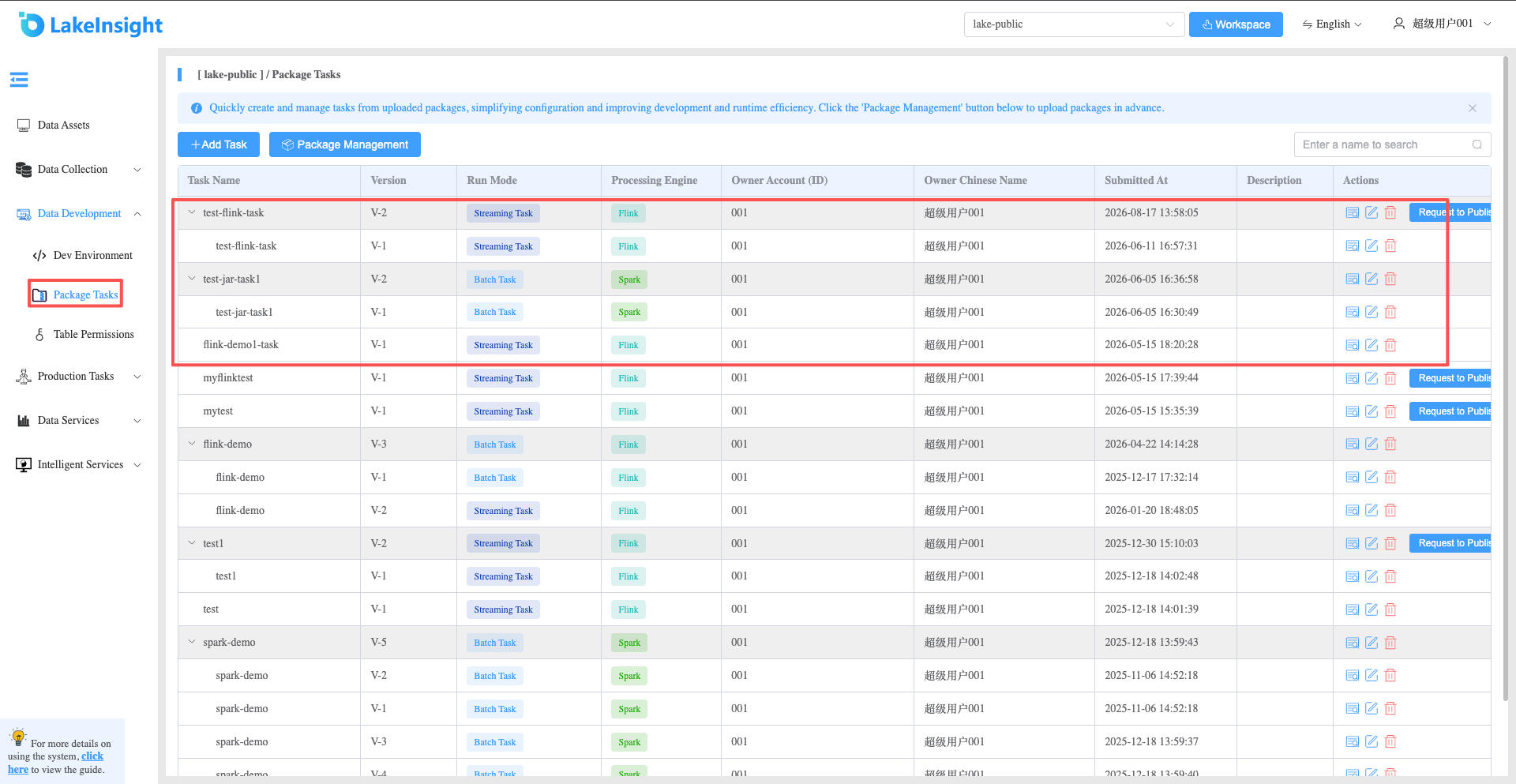
- Click Data Intelligence Development > Package Management in the left navigation to enter the package management page, where you can see the packages under the current workspace, including package types and descriptions. You can also delete and update packages.
- Click the Upload Package button to open the upload interface. Set the package name, package type, the package file to upload, and a description. Select Ray Working Directory when uploading a Ray working directory
.zip, then click Upload.
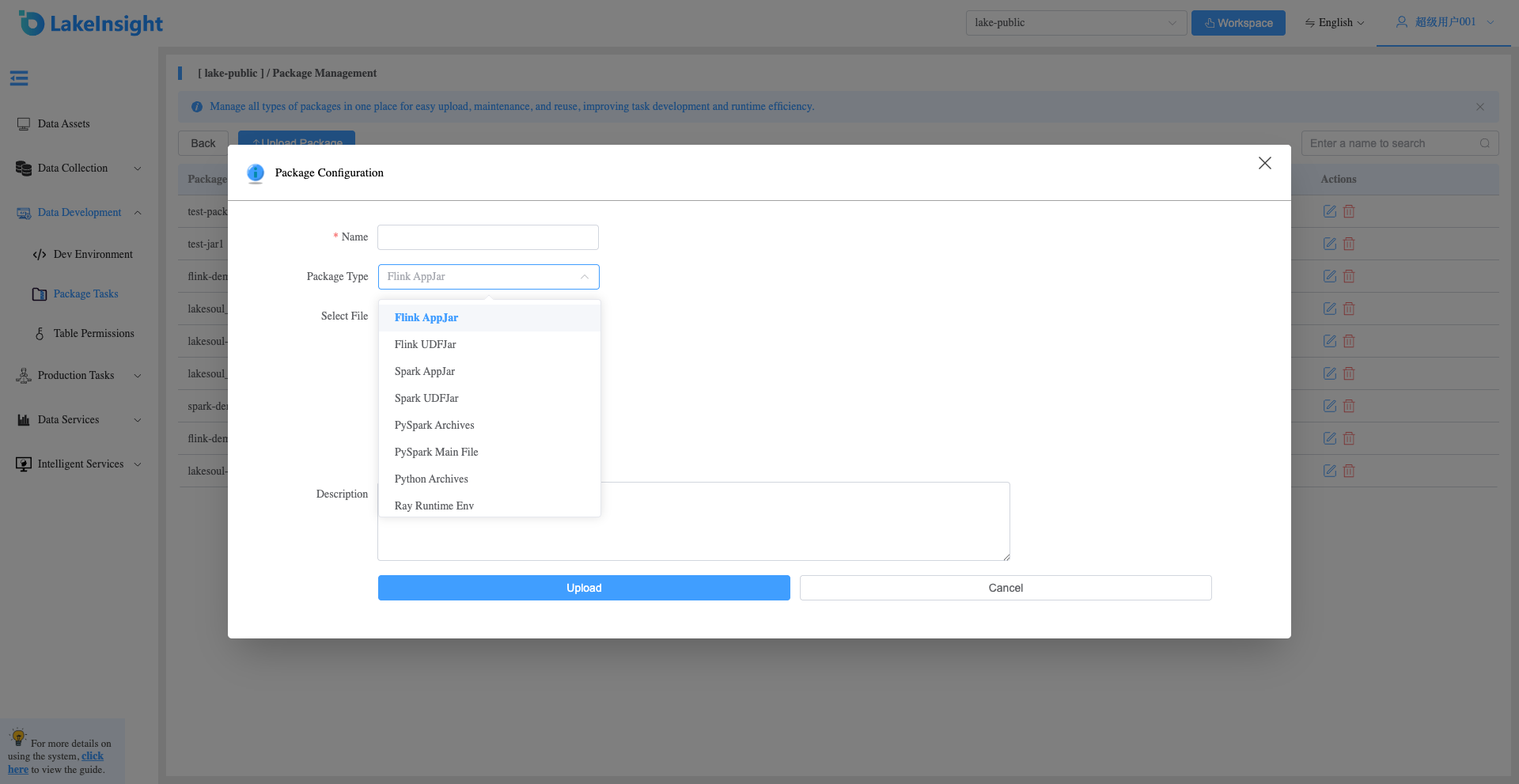
Two package types for Ray tasks
| Package type | Purpose | Formats supported by Ray tasks |
|---|---|---|
| Ray Working Directory (type 7) | Project modules, configuration, and resource files | .zip |
| Python Archives (type 6) | Python interpreter and dependency environment | .zip, .tar.gz |
Both are optional, available for RayJob-managed and Standalone clusters, and can be selected together. Do not upload a Conda environment as a Ray Working Directory package.
Working directory package
Archive the required modules and resources directly, for example from the project directory:
zip -r ray-project.zip my_modules config data
Choose directories appropriate to your project. The platform adds the task entry code separately; the package must not contain a file with the same name as the generated entry file. After uploading the ZIP, select it in the Ray task form. Use excludes in Ray Runtime Env configuration to filter package contents; the platform processes these patterns instead of forwarding them to Ray.
Python environment package
For example, package a prepared Conda environment:
conda pack -f -n lakesoul_venv -o lakesoul_venv.tar.gz
Upload it as Python Archives and select it in the task's Python Archives field. The archive root must directly contain bin/python and bin/activate, without an extra enclosing environment directory. Include application dependencies and ensure compatibility with the cluster's OS, CPU architecture, and Ray/Python versions. Selecting this package does not replace the cluster image or the Ray cluster itself.
When Python Archives is selected, Runtime Env must not contain pip, conda, uv, py_executable, container, or image_uri. See Ray Job publishing configuration for all restrictions.